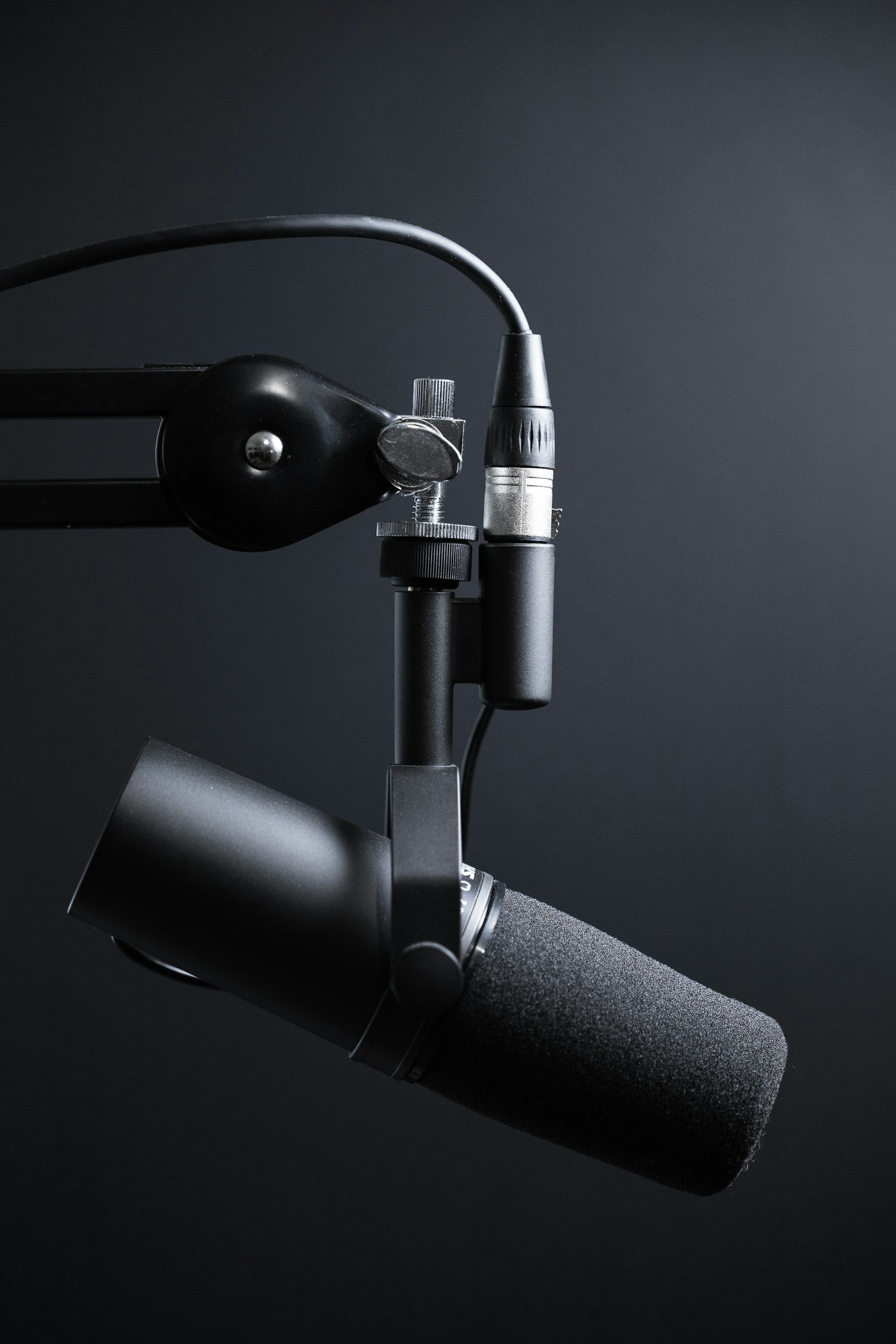
How to Remove Background Noise From Your Podcast (Without Killing the Voice)
Most podcasters over-process their audio and end up with a robotic, swimming-underwater sound. Here is how the pros actually clean up noise.

The temptation when you hear background hum is to crank up noise reduction to 100%. Don't. Here is what actually works.
Step 1: Diagnose the noise type
Background noise comes in flavors:
- Broadband hiss — air conditioner, computer fan, USB mic self-noise
- Tonal hum — 50/60Hz electrical hum, fluorescent lights
- Reverb / room tone — recording in an untreated space
- Intermittent — clicks, mouth noises, plosives, traffic
Each one needs a different tool. Treat them all the same and you will smear the voice into a metallic ghost.
Step 2: Hum is easy — kill it first
For 50Hz (Europe) or 60Hz (US) electrical hum, use a notch EQ at exactly that frequency plus its harmonics (120Hz, 180Hz, 240Hz). RX 11 has a Hum Removal module that does this automatically. Done in 10 seconds.
Step 3: Broadband noise — go light
Use spectral noise reduction (RX, Audacity, Adobe Enhance Speech). Capture 1–2 seconds of pure noise as your profile. Then reduce no more than 6–9 dB. Going harder introduces artifacts that sound worse than the noise itself.
A good test: if the silence between sentences sounds underwater or "swimmy," you went too far.
Step 4: De-reverb sparingly
If the room sounds boxy, RX De-reverb works wonders — but at 30% mix, not 100%. The goal is to reduce the tail of the reverb, not eliminate it. A completely dry voice in a podcast sounds eerie.
Step 5: Clean up the rest with editing
Mouth clicks, lip smacks, and breaths get manually edited or surgically removed with RX Mouth De-click. AI tools introduce tiny pitch shifts and removed fricatives — humans do not.
The hierarchy
Most podcast cleanups should follow:
- EQ out frequencies you do not want (HPF at 80Hz, notch out hum)
- Light spectral noise reduction (-6 dB max)
- De-reverb (gentle)
- Manual click/breath removal
- THEN compression and EQ
Skip ahead to compression first and you will compress the noise, making everything you do after worse.
Want studio-quality audio without the editing headache?
Upload your raw recording, we deliver broadcast-ready audio in days. Pay per episode batch — no subscription.